New Computer Setup & Data Transfer
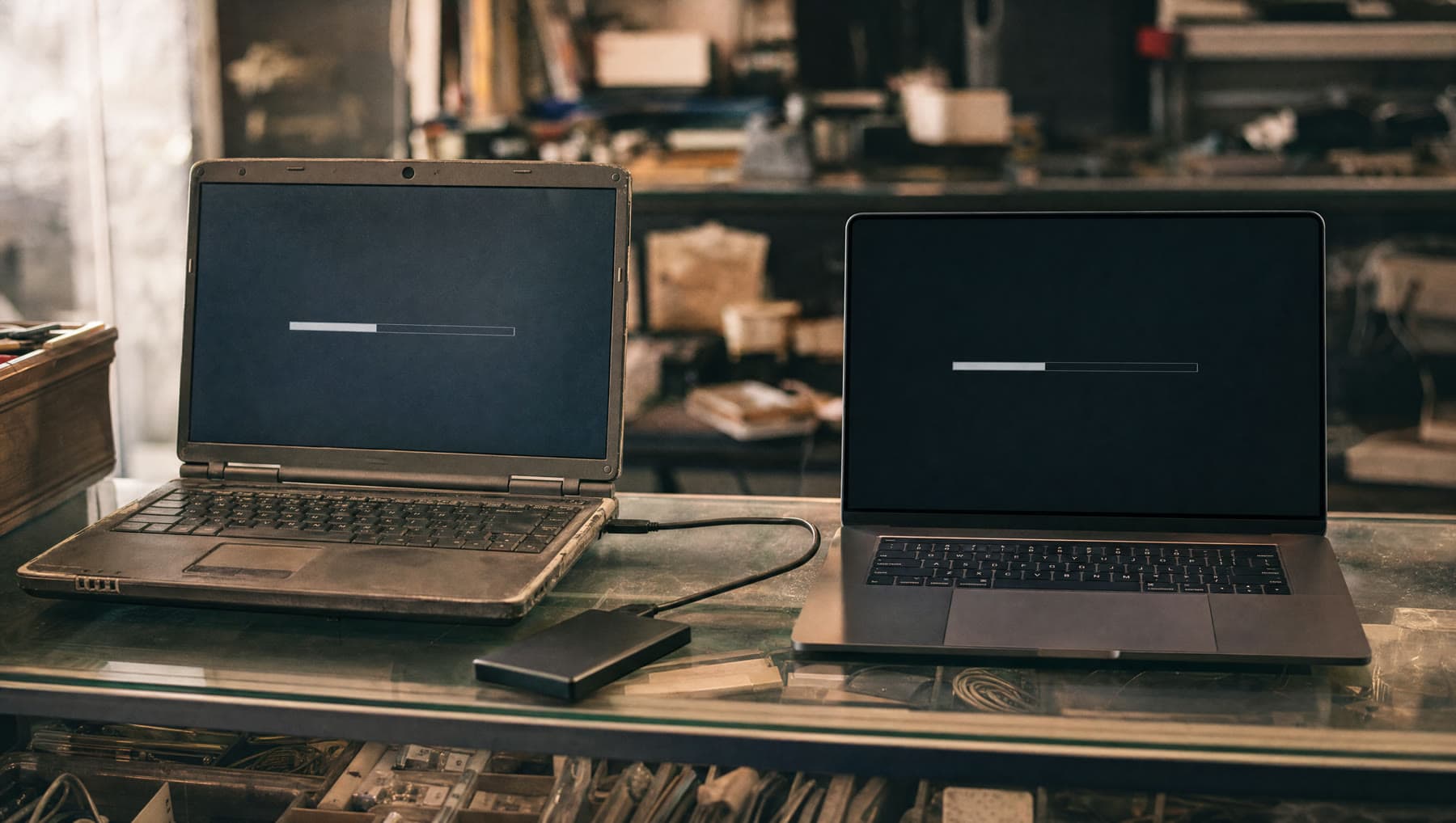
Covered by the flat $75. Everything moves across — and the old machine gets wiped properly before it leaves your hands.
- Price
- In the $75
- Turnaround
- 1–2 days
- If we can't fix it
- The labor fee is on us
Sounds like your machine?
- You've bought a new computer and don't want to lose anything
- You need your photos moved off an old machine that barely starts
- Your email needs setting up on the new one and you'd rather not
- You're switching from Windows to Mac, or the other way round
- You want the old computer wiped before selling or donating it
- You've inherited a machine and need what's on it moved somewhere safe
Any of these and it’s worth a look. Diagnosis is included in the flat rate, so finding out costs you nothing extra.
The part that people underestimate
Copying documents across is straightforward. It's everything else that turns a new computer into a fortnight of small frustrations: email that won't reconnect, browser bookmarks and saved passwords left behind, the printer that won't be found, photo libraries that need to move as a library rather than a folder of loose files, and the one piece of software you rely on with a license key nobody has seen since 2019.
That's what we actually do here. Not just files — the setup around them, so that when you open the new machine it behaves like the old one did, minus the problems.
It's also the job people most often try themselves and abandon halfway, at which point files exist in three places and nobody's sure which is current. If you're at that stage already, bring both machines and we'll sort it out.
Even if the old machine barely works
A dead computer is not a lost computer. If the old machine won't start, we can almost always take the drive out and read your files directly from it — the storage is usually perfectly healthy even when the machine around it has failed.
That covers the common case where someone has bought a replacement because the old one died, and assumed the photos went with it. Usually they didn't.
If the drive itself has failed, that becomes a data recovery job and we'll be straight with you about the odds and the cost before doing anything.
Switching between Windows and Mac
Crossing platforms takes more care because file locations, mail formats and photo libraries don't line up. It's very doable — we do it regularly — but it's not a drag-and-drop, and things like Outlook archives and iPhoto libraries need converting rather than copying.
We'll also flag the software that won't come with you, before you discover it. If you rely on a Windows-only program, it's much better to know that while you can still return the Mac than three weeks later.
And the old computer gets wiped properly
When the transfer is done and you've confirmed everything is where it should be, we wipe the old machine properly — not a delete-and-empty-the-bin, which leaves everything readable with free software, but a real wipe.
Think about what's genuinely on an old computer: saved banking logins, tax returns, photographs of your family, scanned documents. It's worth doing correctly before that machine goes to a resale shop, a grandchild, or a recycling bin.
If it's headed for recycling rather than reuse, we'll point you somewhere that handles it responsibly.
What’s included
- Files, photos, music and documents moved across and verified
- Email accounts, browser bookmarks and saved passwords set up
- Printers and everyday devices reconnected and tested
- Photo libraries migrated as libraries, not loose files
- Files recovered directly from the drive if the old machine won't start
- Secure wipe of the old computer once you've confirmed all is well
If we can't fix it, the labor fee is on us. Parts only billed when installed.
Questions we get asked
Can you move my files if my old computer won't turn on?
Usually, yes. The drive is normally fine even when the machine isn't, and we can read your files directly from it. It's one of the most common versions of this job.
Will my email and passwords come across?
Yes — email accounts, browser bookmarks and saved passwords are part of the job, not an extra. Setting those up is the part people find most tedious to do themselves.
Can you move me from Windows to a Mac?
Yes, and we do it often. It takes more care because mail and photo formats need converting rather than copying. We'll also tell you up front about any software that won't make the trip, while you can still change your mind.
What happens to my old computer?
Once you've confirmed everything transferred, we wipe it properly so your data can't be recovered by whoever gets it next. If you're recycling rather than selling it, we'll point you somewhere that does it responsibly.
Related repairs
Where we do this
We’re at 14327 MO-5, Sunrise Beach, MO 65079, on Route 5. People drive in from across the Lake of the Ozarks:
Let’s take a look at it.
Two minutes online, or just walk in during shop hours.
or call (573) 555-0142