Virus & Malware Removal
Covered by the flat $75. Cleaned properly, then hardened so the same thing doesn't walk back in next month.
- Price
- In the $75
- Turnaround
- Usually next day
- If we can't fix it
- The labor fee is on us
Sounds like your machine?
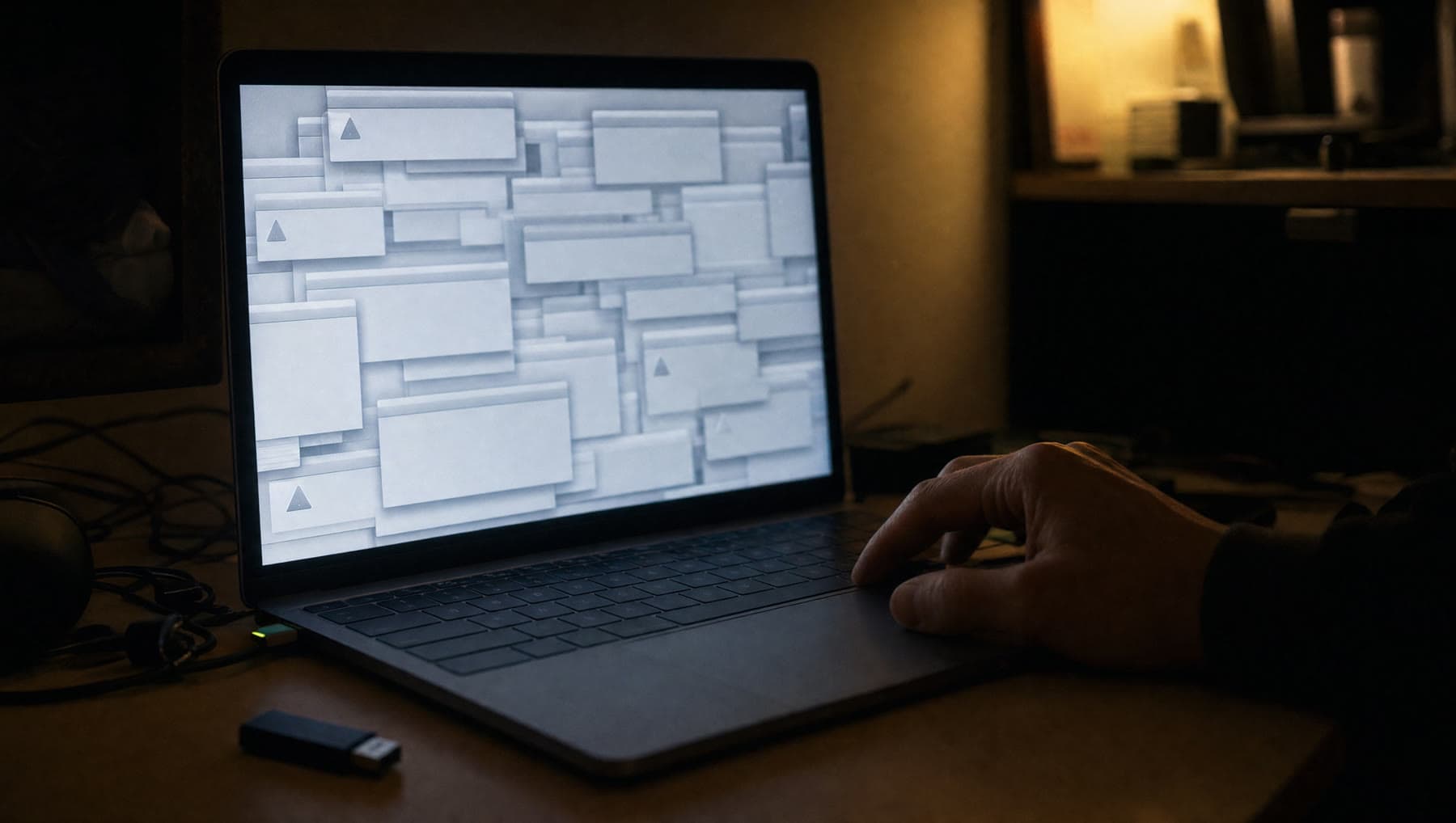
- Pop-ups and adverts appearing over everything, even with the browser closed
- A full-screen warning saying you've been hacked, with a phone number to call
- Your browser opens on a search page you didn't choose
- New toolbars, extensions or programs you never installed
- The machine has become very slow and the fan runs constantly
- Your files have been renamed and there's a ransom note
- Friends say they're getting strange emails from your address
Any of these and it’s worth a look. Diagnosis is included in the flat rate, so finding out costs you nothing extra.
The scary warning on your screen is probably the scam
The single most common thing we see is not a virus at all. It's a web page dressed up as a system alert — sirens, a countdown, a warning that your computer is infected and a phone number for "Microsoft Support". The number is not Microsoft. It's a call center that will ask for remote access and a few hundred dollars.
If that's on your screen right now: don't call the number, don't let anyone connect to your machine, and if you already did, unplug it from the internet and bring it in. If you gave out card details, ring your bank before you ring us — that part is more urgent than the computer.
Nine times out of ten there was never any infection. It's a browser page, and it takes minutes to clear. We would much rather you drove over and paid us nothing to be told that than paid a scammer four hundred dollars.
How we clean a machine
A real cleanup isn't a single antivirus scan. Modern junk hides across startup entries, scheduled tasks, browser extensions, DNS settings, and services with plausible names. Running one scanner and declaring victory is how a machine ends up back on the bench in three weeks.
We go through it properly: identify what's actually running and what's set to run at boot, remove the payloads and their persistence, reset the browsers and their extensions, check the network settings haven't been redirected, then verify with a second independent scanner so we're not trusting one tool's opinion.
If a machine is deeply compromised — particularly anything that had a keylogger or a remote-access tool on it — the honest answer is a clean reinstall rather than a cleanup. We'll back your files up first, rebuild it, and put everything back. That's still inside the flat $75.
Ransomware: the hard conversation
If your files have been encrypted and there's a note demanding payment, be careful of anyone who promises to decrypt them. For most current ransomware strains that isn't possible — the mathematics is not on our side, and companies claiming otherwise are usually just paying the ransom on your behalf with a markup.
What we can realistically do: stop the spread, get the machine clean, work out which files survived, and recover from whatever backups or cloud copies exist — people often have more than they think, in OneDrive, Google Drive, iCloud or an old external drive in a drawer.
We'll tell you honestly where you stand rather than selling you hope. And then we'll set up a backup so it can never cost you everything again.
Then we make it harder next time
Cleaning the machine without changing anything just resets the clock. Before you collect it we'll make sure the built-in protection is actually switched on and updated, strip out the browser extensions that cause most of the trouble, and set up an ad and script blocker — which stops a surprising share of this at the front door.
We'll also walk you through the two or three habits that account for nearly every infection we see, in plain language, without making you feel foolish for having clicked something. Everyone clicks something eventually. That's what the shop is for.
What’s included
- Full removal of malware, adware, browser hijacks and scam pages
- Startup, scheduled-task and browser-extension cleanup
- Verification with a second independent scanner
- Built-in security switched on, updated and checked
- Ad and script blocking set up in your browser
- A plain-English walkthrough of what got in and how
If we can't fix it, the labor fee is on us. Parts only billed when installed.
Questions we get asked
There's a warning on my screen with a phone number. Should I call it?
No. That is the scam itself — legitimate software never puts a support phone number in a full-screen warning. Don't call, don't allow remote access. Bring the machine in. In most cases nothing was ever infected and it's a browser page we can clear in minutes.
Will I lose my files during a virus removal?
Almost never. A cleanup leaves your data alone. If the machine is compromised badly enough to need a full reinstall, we back your files up first and put them back afterwards — that's included, not extra.
Do I need to buy antivirus software?
For most people, no. The protection built into Windows and macOS is genuinely good now, and it's free. The paid suites we most often remove are the ones that came pre-installed and started nagging. We'll tell you if your situation is one of the exceptions.
Can you get my files back if they've been encrypted by ransomware?
Usually not by decrypting them — for current strains that isn't realistically possible, and anyone promising otherwise is overselling. What we can do is clean the machine, work out what survived, and recover from backups and cloud copies, which is often more than people expect.
Related repairs
Where we do this
We’re at 14327 MO-5, Sunrise Beach, MO 65079, on Route 5. People drive in from across the Lake of the Ozarks:
Let’s take a look at it.
Two minutes online, or just walk in during shop hours.
or call (573) 555-0142