Slow Computer Tune-Up
Covered by the flat $75. We find why it's slow rather than running a cleaner and hoping.
- Price
- In the $75
- Turnaround
- 1–2 days
- If we can't fix it
- The labor fee is on us
Sounds like your machine?
- It takes several minutes to become usable after switching on
- The fan runs loud and constant, and the machine is hot
- Everything pauses — clicks take seconds to register
- The browser crawls with more than a couple of tabs open
- It was fine a year ago and has got steadily worse
- The spinning wheel or hourglass appears constantly
- It has slowed down noticeably since an update
Any of these and it’s worth a look. Diagnosis is included in the flat rate, so finding out costs you nothing extra.
Slow is a symptom, not a diagnosis
Almost every slow computer we see is slow for one of five reasons, and they have completely different fixes. A failing hard drive, a choked cooling system, not enough memory for what you're doing, a pile of software fighting to start at boot, or a genuine infection.
Those aren't interchangeable. Adding memory to a machine with a dying drive changes nothing. Running a cleanup tool on a laptop full of dust changes nothing. This is why the internet's advice about slow computers so rarely works — it's answering a question nobody actually asked.
So we measure before we touch anything. Drive health, temperatures under load, memory pressure, what's actually starting at boot, and what's running when the machine appears to be idle. Then we fix the thing that's genuinely responsible.
The usual culprit is the drive
On any machine more than a few years old, the most likely cause by a wide margin is a mechanical hard drive that's either failing or simply too slow for a modern operating system. Windows and macOS both assume solid-state storage now, and a spinning disk that was adequate in 2016 has quietly become the bottleneck for everything.
You can usually hear it. Long pauses where the machine is completely unresponsive, a busy light stuck on, faint clicking or seeking noises during startup. A drive health check tells us in a minute whether it's failing or just slow.
If it's the drive, an SSD upgrade is the single most dramatic improvement available to an older computer — genuinely transformative rather than marginal. We cover that in detail on its own page.
The second culprit is heat
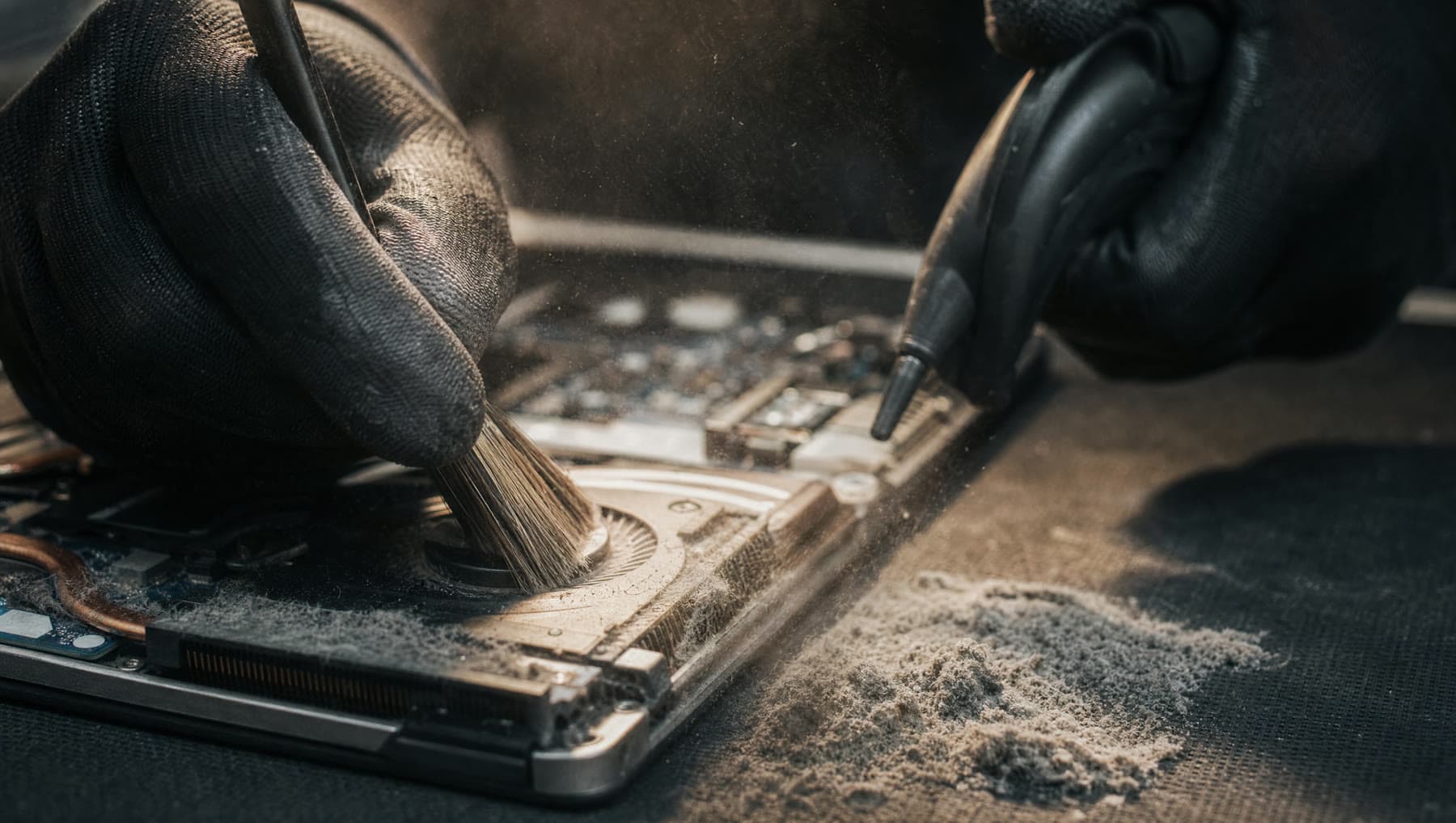
Laptops pull cooling air through a small intake and push it across a fine radiator. Over a few years, that radiator packs solid with a felt-like mat of dust, hair and — around here — a good deal of lake-house pet fur. Airflow drops, temperatures climb, and the processor deliberately slows itself down to avoid damage.
The result is a machine that is loud, hot, and slow at exactly the moment you ask it to do something. People assume it's worn out. It's usually just blocked.
We clear the fan and radiator properly, and where the thermal paste has dried out we replace that too. On a badly choked laptop this alone can restore most of its lost speed, and it makes the fan noise stop.
What a tune-up actually involves
We check drive health and replace the drive if it's failing — with your approval and a price first. We clear the cooling system. We remove the software that's starting at boot for no good reason, including the trial versions that shipped with the machine and never stopped nagging.
We clean out genuine junk, apply the updates that have been deferred for two years, and confirm the machine isn't infected. Then we run it under load and check it stays fast and cool rather than declaring victory the moment the desktop appears.
If the honest answer is that the machine needs more memory or a new drive to be genuinely usable, we'll tell you the cost of that before doing it — and if it isn't worth spending on, we'll tell you that too.
What’s included
- Drive health check and temperature testing under real load
- Full cooling system clean, and fresh thermal paste where it's needed
- Startup and background program cleanup
- Pending updates applied and junk cleared
- Malware check to rule out infection
- A straight answer on whether an SSD or memory upgrade is worth it
If we can't fix it, the labor fee is on us. Parts only billed when installed.
Questions we get asked
Why is my computer so slow all of a sudden?
A sudden change usually points to a failing drive, an update that went wrong, or an infection. A gradual decline over years usually points to a choked cooling system or a drive that's simply too slow for current software. The diagnosis is included in the flat rate, so we'll find out which.
Will a tune-up make my old laptop fast again?
Often, yes — dramatically, if heat or the drive was the problem. But we won't promise it. If the machine genuinely doesn't have the hardware for what you're asking of it, we'll say so rather than take $75 to shuffle icons around.
Should I just buy a new computer instead?
Sometimes. If a five-year-old laptop needs an SSD and memory to be pleasant, that's often around $150 all-in and buys you several more good years — usually the better deal. If it needs a screen, a battery and a drive, it probably doesn't. We'll give you the honest maths.
Do those cleaner programs on TV work?
Broadly, no. Most do very little, several install advertising of their own, and a few are outright scams that report hundreds of fake "errors" to sell you a subscription. If one of those is on your machine, removing it is usually part of the fix.
Related repairs
Where we do this
We’re at 14327 MO-5, Sunrise Beach, MO 65079, on Route 5. People drive in from across the Lake of the Ozarks:
Let’s take a look at it.
Two minutes online, or just walk in during shop hours.
or call (573) 555-0142